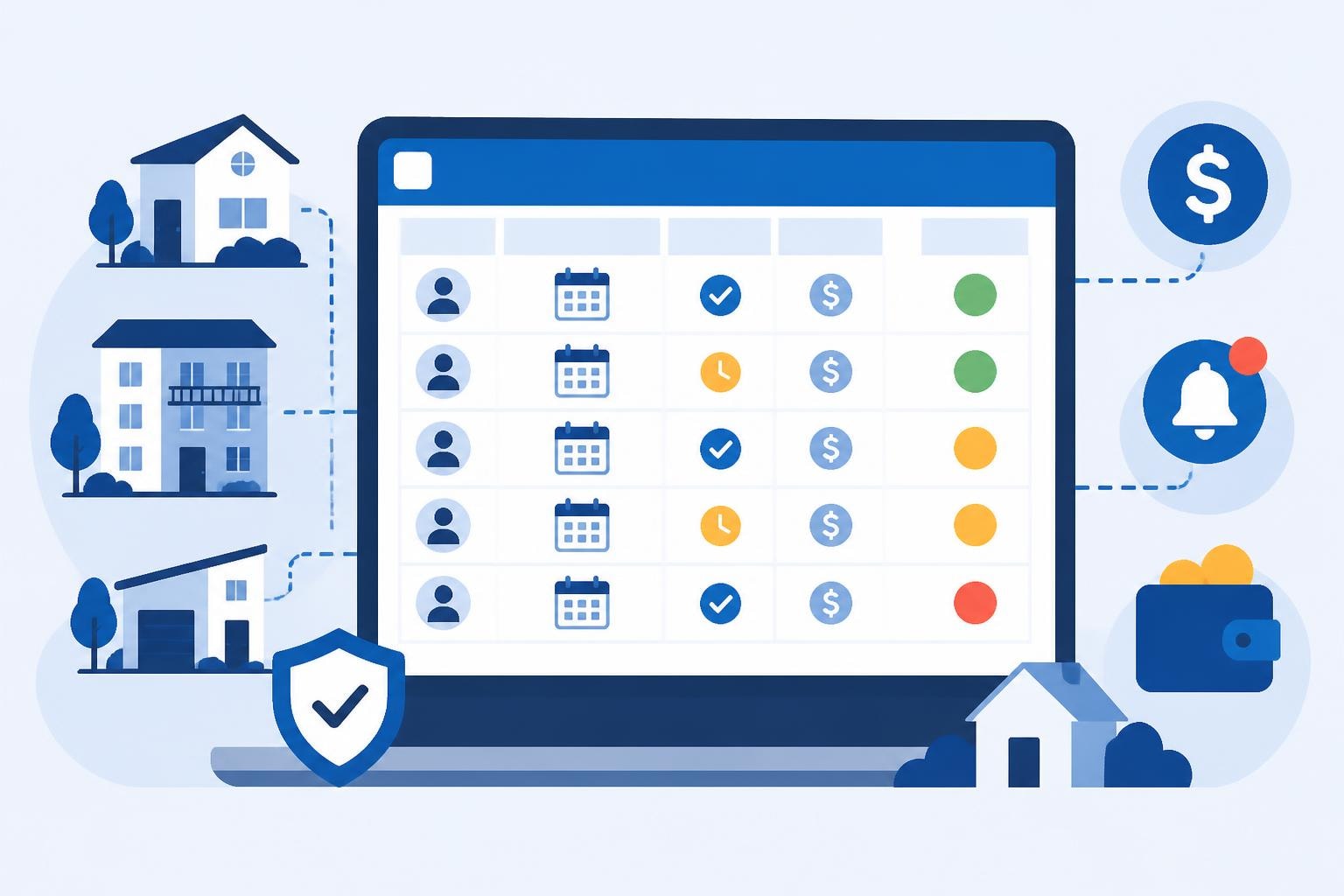
Managing rental properties in New Zealand demands meticulous record-keeping, particularly when it comes to tracking rent payments. A well-designed rent tracking spreadsheet serves as the backbone of financial management for self-managing landlords, helping you monitor payments, identify late payers, and maintain accurate records for tax purposes. Whether you're managing a single property or multiple tenancies, understanding how to structure and maintain a rent tracking spreadsheet can save you significant time and prevent costly oversights.
Essential Components of an Effective Rent Tracking Spreadsheet
A comprehensive rent tracking spreadsheet must capture several critical data points to be truly useful. At minimum, your spreadsheet should include tenant names, property addresses, monthly rent amounts, payment due dates, actual payment dates, payment methods, and outstanding balances.
Core columns to include:
- Tenant full name and contact details
- Property address or unit identifier
- Monthly rent amount (including any agreed variations)
- Payment due date (typically weekly, fortnightly, or monthly in New Zealand)
- Date payment received
- Payment method (bank transfer, direct debit, cash)
- Outstanding balance or arrears
- Late payment fees (if applicable under your tenancy agreement)
- Notes field for recording communication or payment arrangements
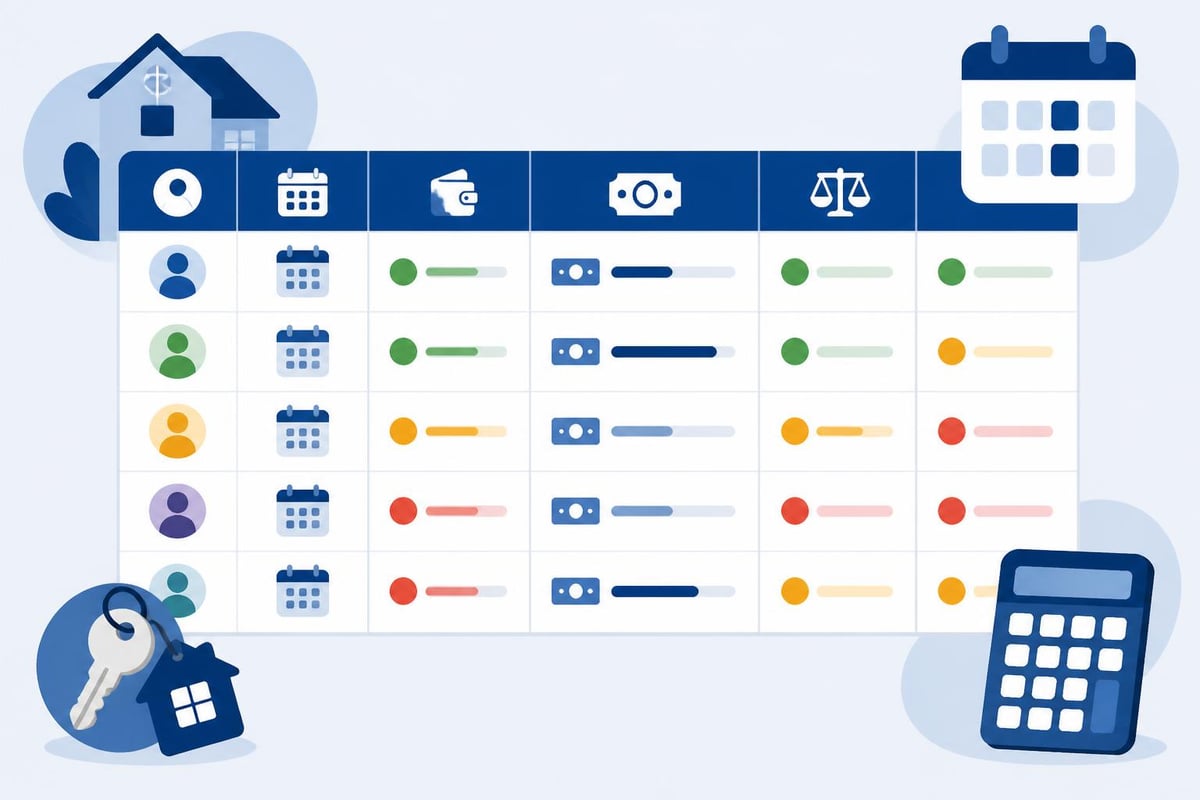
Many landlords find it helpful to add conditional formatting that highlights overdue payments in red or amber, making it immediately obvious which tenancies require follow-up action. This visual cue proves invaluable when you're managing multiple properties simultaneously.
Setting Up Your Spreadsheet Structure
When creating your rent tracking spreadsheet from scratch, start with a master sheet that lists all properties and tenants. TurboTenant's free rent payment tracker demonstrates one effective layout approach, though you'll want to adapt any template to New Zealand's specific tenancy requirements.
Create separate tabs for different time periods or properties. A typical structure might include:
- Dashboard tab – Summary of all properties, total rent collected, outstanding amounts
- Individual property tabs – Detailed payment history for each tenancy
- Annual summary tab – Year-to-date totals for tax reporting
- Arrears tracker – Dedicated view of overdue payments requiring action
Consider whether your payment frequency aligns with New Zealand norms. While monthly tracking suits some landlords, weekly or fortnightly rent collection is common in New Zealand residential tenancies, particularly for longer-term rentals.
Maintaining Accuracy and Compliance
Accuracy in your rent tracking spreadsheet isn't merely good practice; it's essential for legal compliance and potential Tenancy Tribunal proceedings. New Zealand's Residential Tenancies Act 1986 requires landlords to maintain proper records, and your spreadsheet may serve as evidence if disputes arise.
Update your spreadsheet immediately upon receiving payments rather than batching updates weekly or monthly. This real-time approach prevents errors and ensures you always have current information when making decisions about rent arrears or notices to remedy.
| Record Type | Retention Period | Purpose |
|---|---|---|
| Rent payments | 7 years minimum | Tax compliance, IRD requirements |
| Arrears records | Duration of tenancy + 7 years | Legal disputes, Tribunal evidence |
| Payment arrangements | Duration of tenancy + 3 years | Demonstrating good-faith attempts |
| Bond reconciliations | Duration of tenancy + 7 years | Bond refund disputes |
The Galleon rental property spreadsheet guide emphasises the importance of backup systems. Always maintain cloud backups of your rent tracking spreadsheet, ideally with version history enabled so you can demonstrate the timeline of payments if questioned.
Advanced Features Worth Implementing
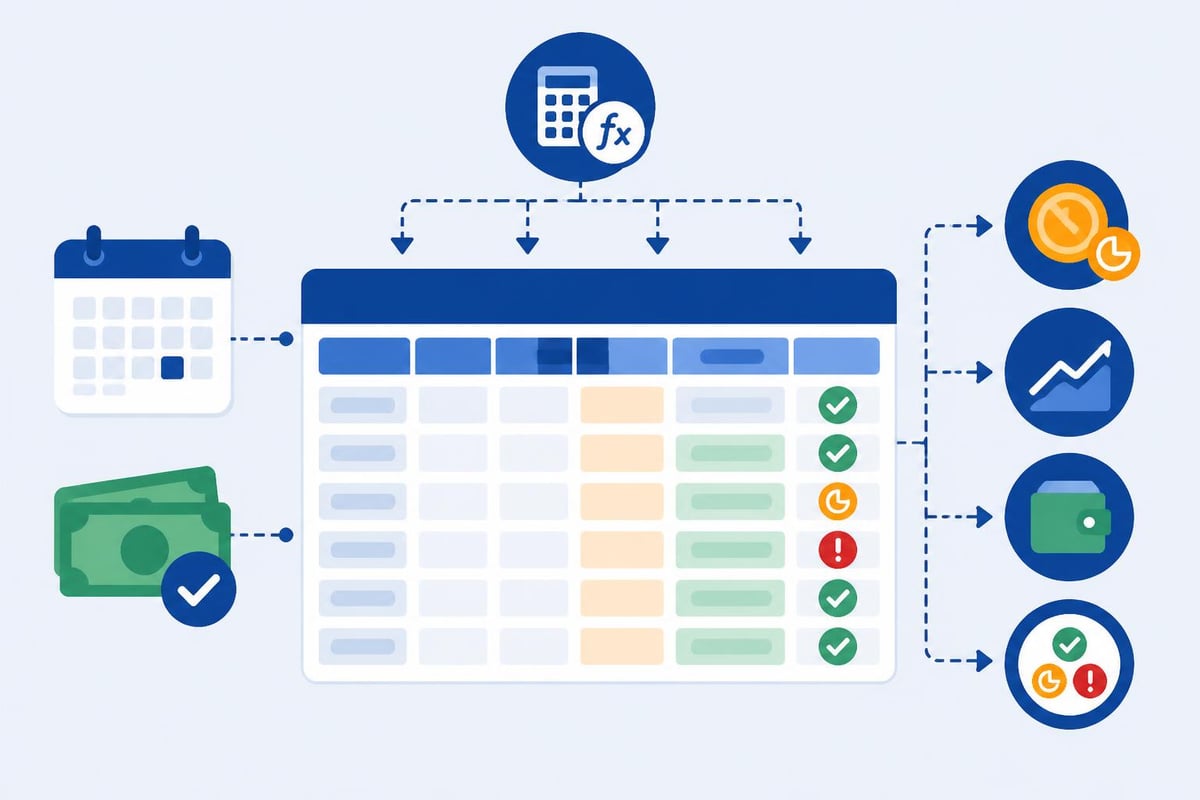
Once you've mastered basic rent tracking, consider adding calculated fields that automate your workflow. Excel and Google Sheets both support formulas that can calculate late payment fees automatically based on your tenancy agreement terms.
Useful calculated columns include:
- Days overdue (automatically calculated from due date and today's date)
- Late payment fees (calculated based on days overdue and your fee structure)
- Running balance (cumulative total showing whether tenant is ahead or behind)
- Payment status indicators (Paid, Overdue, Partial Payment)
- Year-to-date totals per property
Many landlords also track additional income streams beyond base rent. If you charge for water usage, pet fees, or other permitted charges under New Zealand tenancy law, create separate columns for these items. This granular tracking simplifies tax reporting and ensures you can provide detailed bond lodgement calculations when tenancies end.
Integration with Banking and Tax Systems
Modern rent tracking extends beyond simple spreadsheets. Consider whether your current system integrates efficiently with your accounting software and tax reporting requirements. New Zealand landlords must report rental income to the IRD, and a well-maintained rent tracking spreadsheet significantly simplifies annual tax returns.
Export your spreadsheet data monthly or quarterly to match your tax payment schedule. Many landlords use the spreadsheet as their primary collection tool but maintain a separate accounting system for comprehensive financial management, including expenses, depreciation, and mortgage interest calculations.
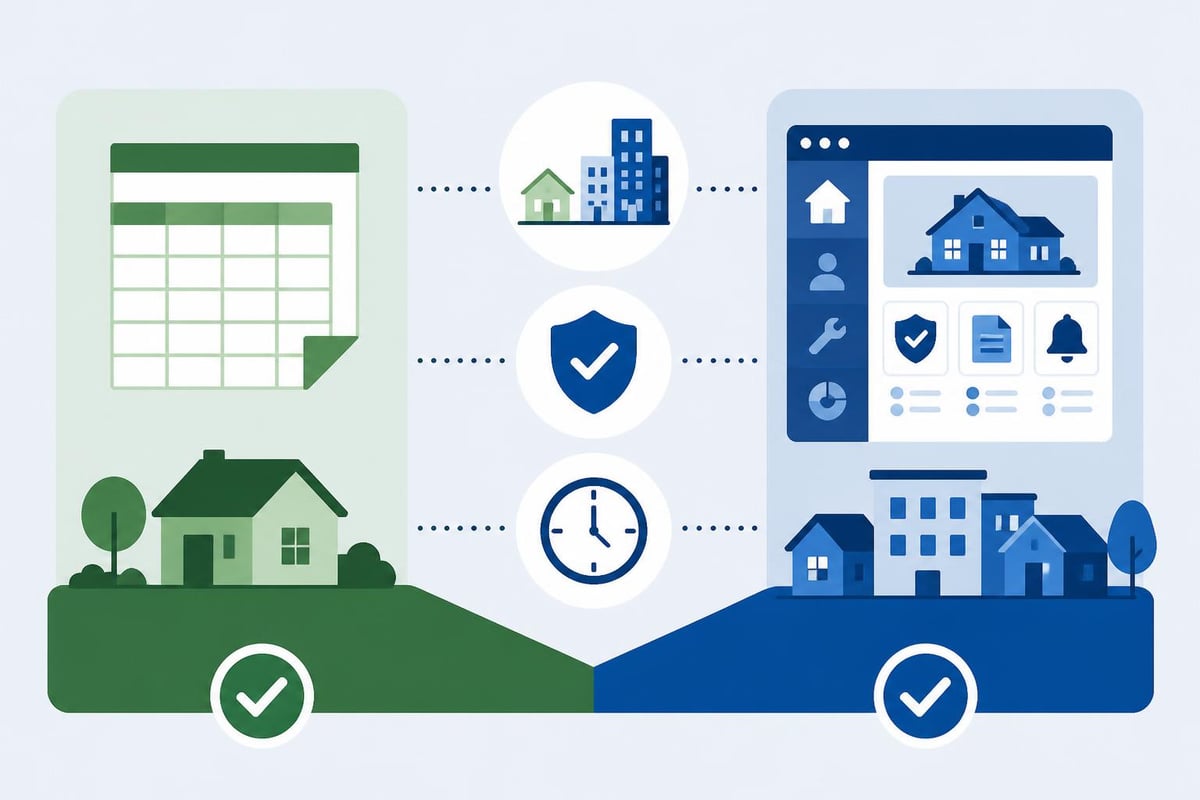
The Stessa rent ledger guide explains how digital rent ledgers differ from traditional spreadsheets, offering automatic bank synchronisation and categorisation features that reduce manual data entry significantly.
When to Transition Beyond Spreadsheets
A rent tracking spreadsheet serves most landlords well for one to three properties, but scalability becomes challenging as your portfolio grows. Signs you've outgrown spreadsheet management include:
- Spending more than two hours weekly on rent tracking and updates
- Regularly discovering data entry errors or missed payments
- Difficulty generating reports for multiple properties simultaneously
- Struggling to maintain consistent backup and version control
- Needing to track increasingly complex compliance requirements
New Zealand's evolving tenancy legislation, including Healthy Homes standards and recent bond lodgement changes, means landlords must track more than just rent payments. Modern tenancy management platforms offer integrated solutions that handle compliance tracking, automated notices, and financial reporting within a single system.
Practical Tips for Consistent Tracking
Consistency separates effective rent tracking from spreadsheets that become abandoned data dumps. Establish a regular routine for updating your records, ideally the same day each week when most rent payments arrive.
Weekly rent tracking workflow:
- Download bank statements showing incoming payments
- Match payments to tenant names in your spreadsheet
- Update payment dates and amounts received
- Review outstanding balances and identify overdue accounts
- Flag any tenancies requiring follow-up communication
- Save and backup your updated spreadsheet
Set calendar reminders for rent increase notices, which require specific timing under New Zealand law. Your rent tracking spreadsheet should include a column noting when the next rent increase is permitted based on your tenancy type and notice period requirements.
Consider creating standardised templates for common scenarios like partial payments or payment plans. When tenants fall into arrears, documenting your communication and agreed payment arrangements within your spreadsheet provides crucial evidence if you need to issue formal notices or seek Tribunal orders.
For landlords seeking templates to accelerate setup, Rentce's free Excel template and Sheetrix's rental ledger offer starting points you can customise for New Zealand requirements. Always verify that any template aligns with current NZ tenancy law rather than using international versions designed for different jurisdictions.
Maintaining an accurate rent tracking spreadsheet provides the financial visibility every self-managing landlord needs, whether you're handling a single property or building a larger portfolio. While spreadsheets offer flexibility and low cost, they require disciplined updating and can become time-consuming as your tenancy management needs grow. TenancyIQ eliminates manual data entry entirely through AI-powered automation, managing not just rent tracking but comprehensive compliance, notices, and expense tracking specifically designed for New Zealand landlords. Explore how automated tenancy management can free up your time while ensuring nothing falls through the cracks.